

Running scans
Five ways to scan, and when to use each.
The Pages list#
Pages in the sidebar lists every page Zylyn discovered on your site, with its score, issue count, trend, and when it was last scanned.
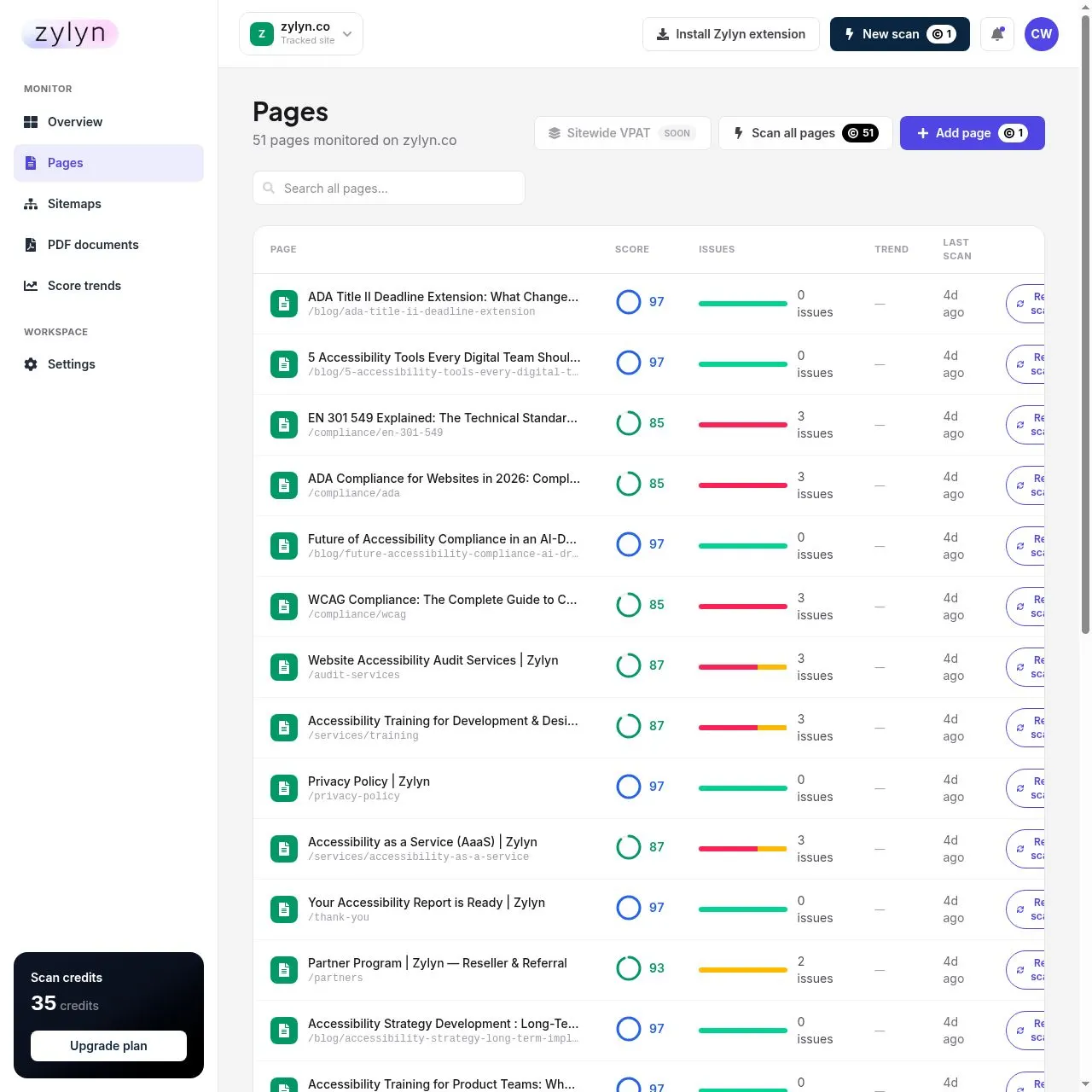
Pages that have never been scanned show — and read "Not scanned yet".
1. Scan a single page — 1 credit#
Click Scan on any row. Takes about ten seconds. Best for checking one fix or trying the product.
2. Scan the whole site — 1 credit per page#
Click Scan all pages at the top of the Pages list. You'll get a confirmation first:
Nothing is charged until you confirm. Scans run in the background — leave the page if you like.
3. Scan any URL on demand — 1 credit#
Run new scan in the top bar accepts any URL, including one on a domain you haven't added.
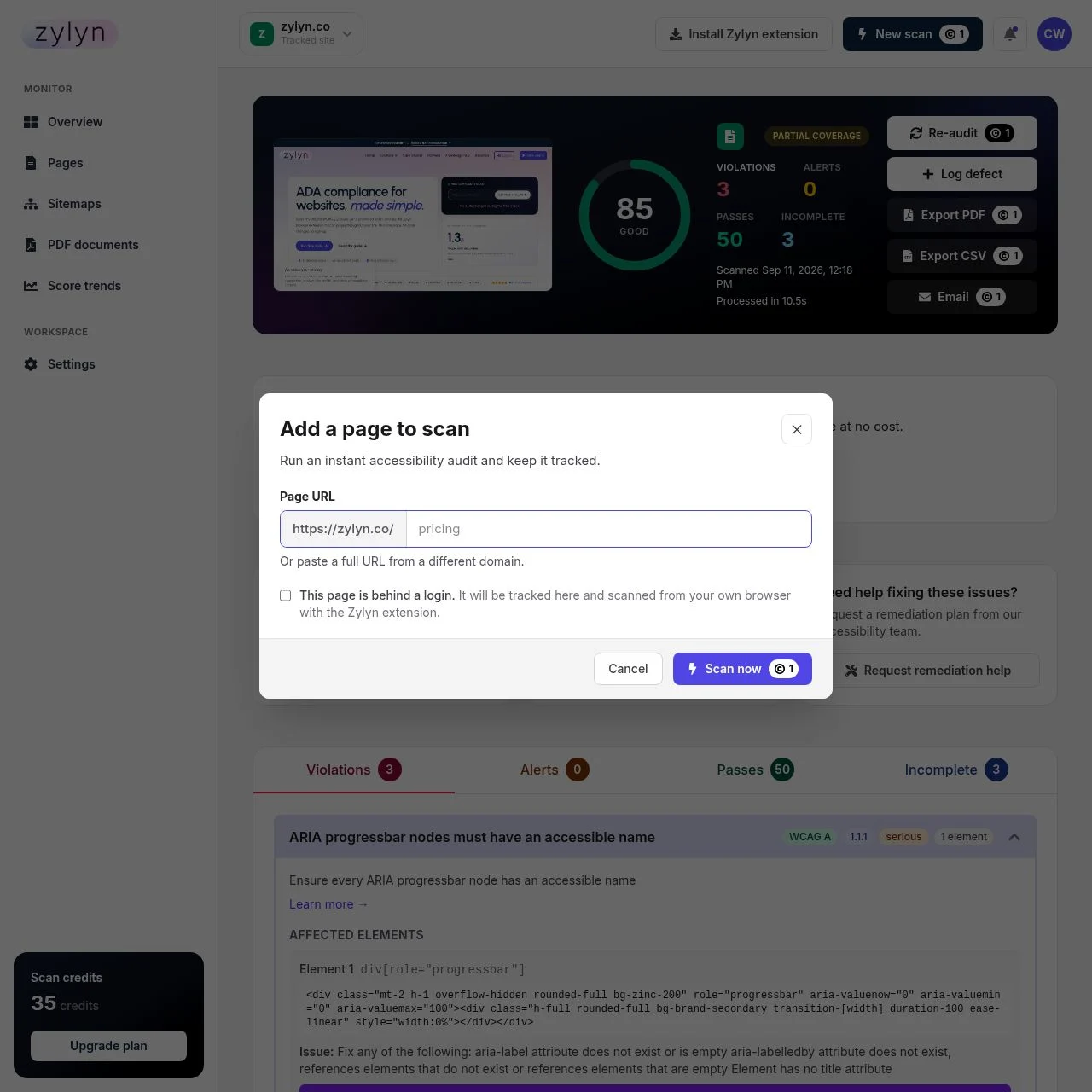
Tick This page is behind a login to route the scan through the browser extension instead.
4. Loose scans#
A scan of a URL you haven't added as a tracked site is called a loose scan and appears under Loose scans. Handy for spot-checking a page before committing a site.
When you later add that domain as a site, existing loose scans fold into it automatically.
5. Re-audit after a fix — 1 credit#
Open any report and click Re-audit. This is how you confirm a fix worked. The page keeps its history, so the trend column shows the improvement.
Schedule automatic re-scans#
Settings → Scanning. Choose Daily, Weekly, Monthly, or Manual (off) per site.
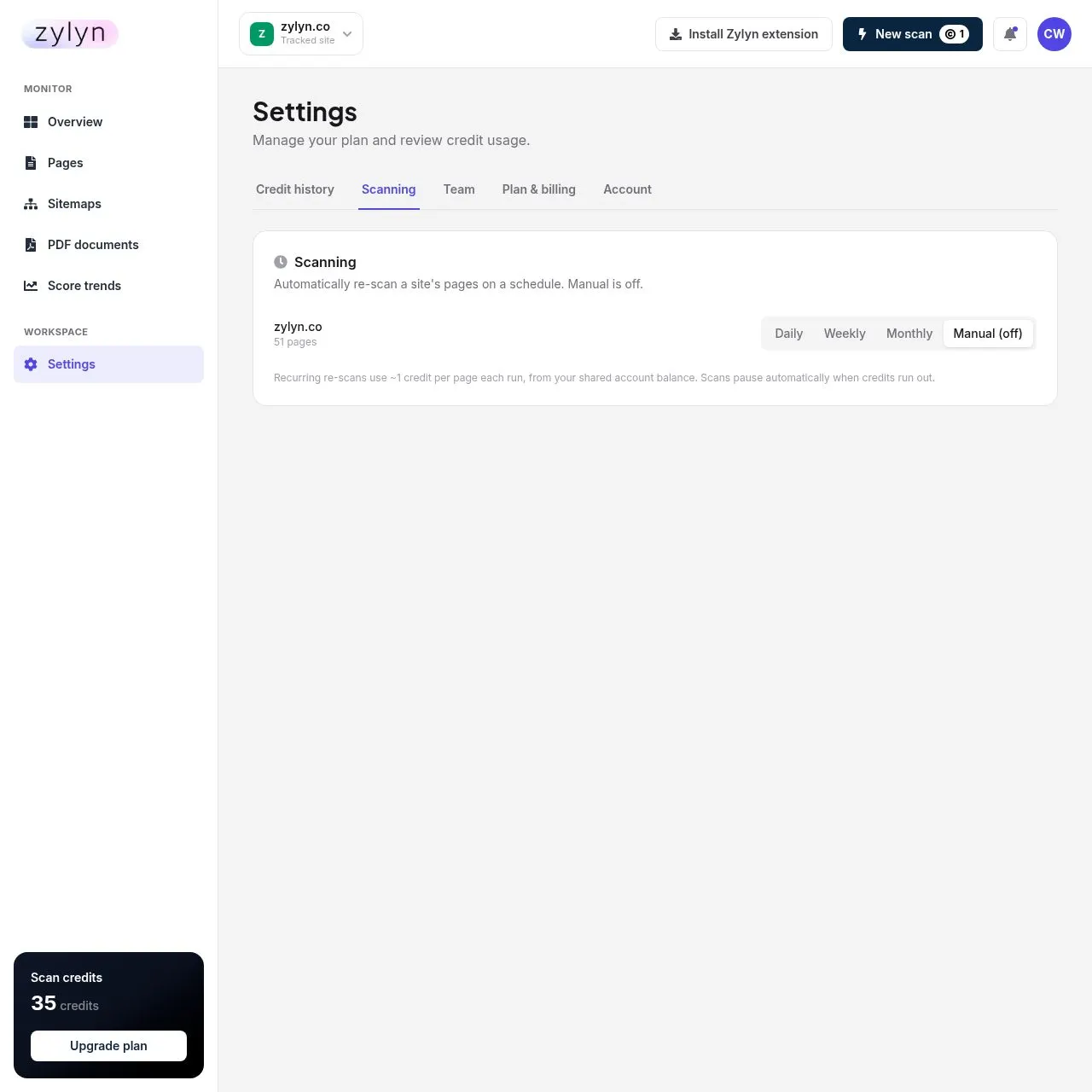
Scheduling is off by default — nothing recurring happens until you turn it on.
Cost: ~1 credit per page per run. Budget carefully:
| Site size | Weekly | Daily |
|---|---|---|
| 50 pages | ~215 credits/mo | ~1,500 credits/mo |
| 500 pages | ~2,150 credits/mo | ~15,000 credits/mo |
Weekly is the right default for most sites. Daily only makes sense if you deploy constantly.
Scans pause automatically when credits run out rather than failing silently or overbilling.
Re-discovering pages — 2 credits#
Sitemaps shows how many URLs Zylyn found and the method used.
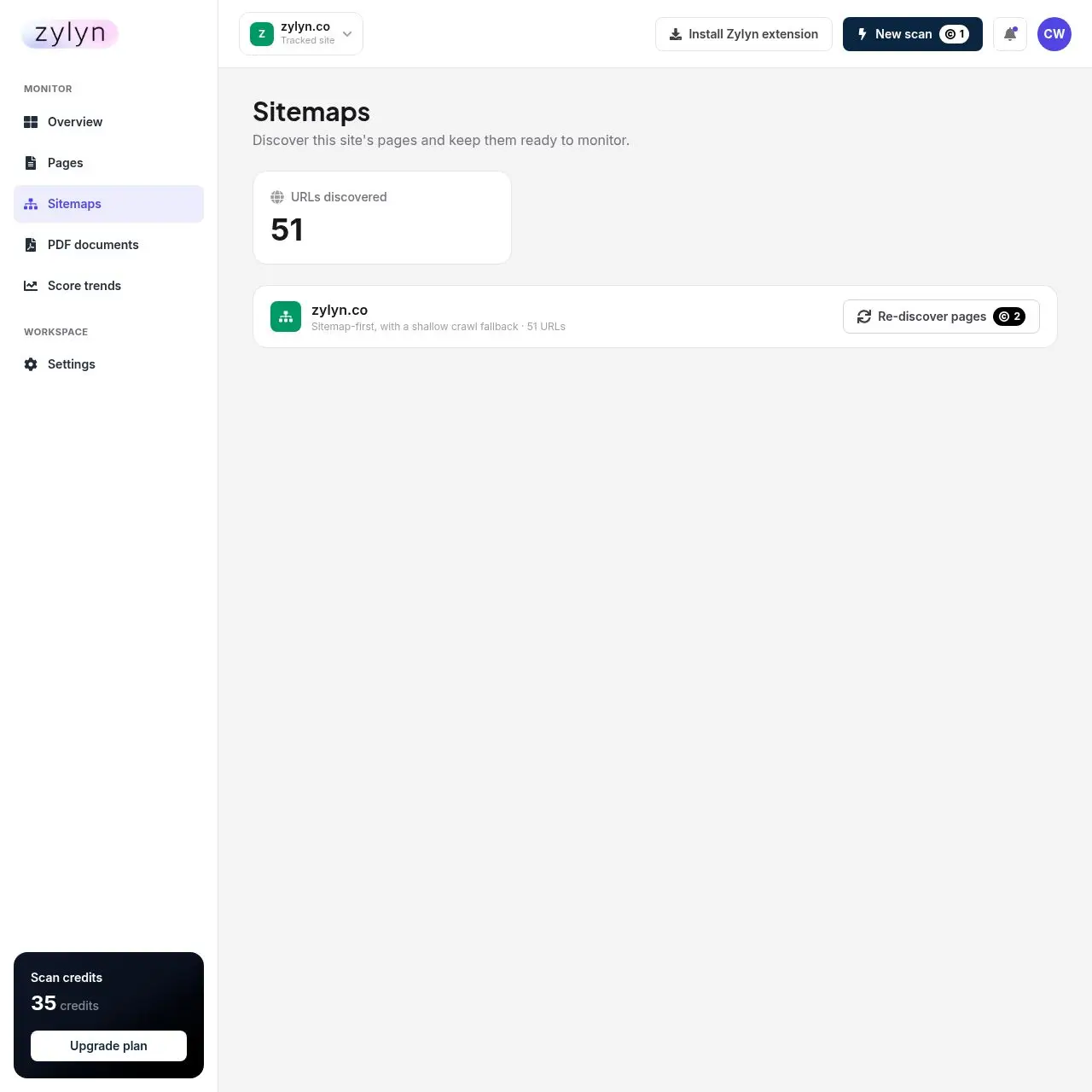
Click Re-discover pages after launching new sections so they enter monitoring. New pages are not picked up automatically between discoveries.
If a scan fails#
Failed scans are refunded automatically — you'll see a "Refund — Website scan" line in credit history. You don't need to ask.
Pages that are login-gated, JavaScript-only shells, or blocked by robots rules are the usual failures. Use the extension for the first case.