
Getting started
Ten minutes from nothing to your first report.
1. Create your account#
Go to zylyn.co and click Log in in the top-right, then switch to the Register tab.
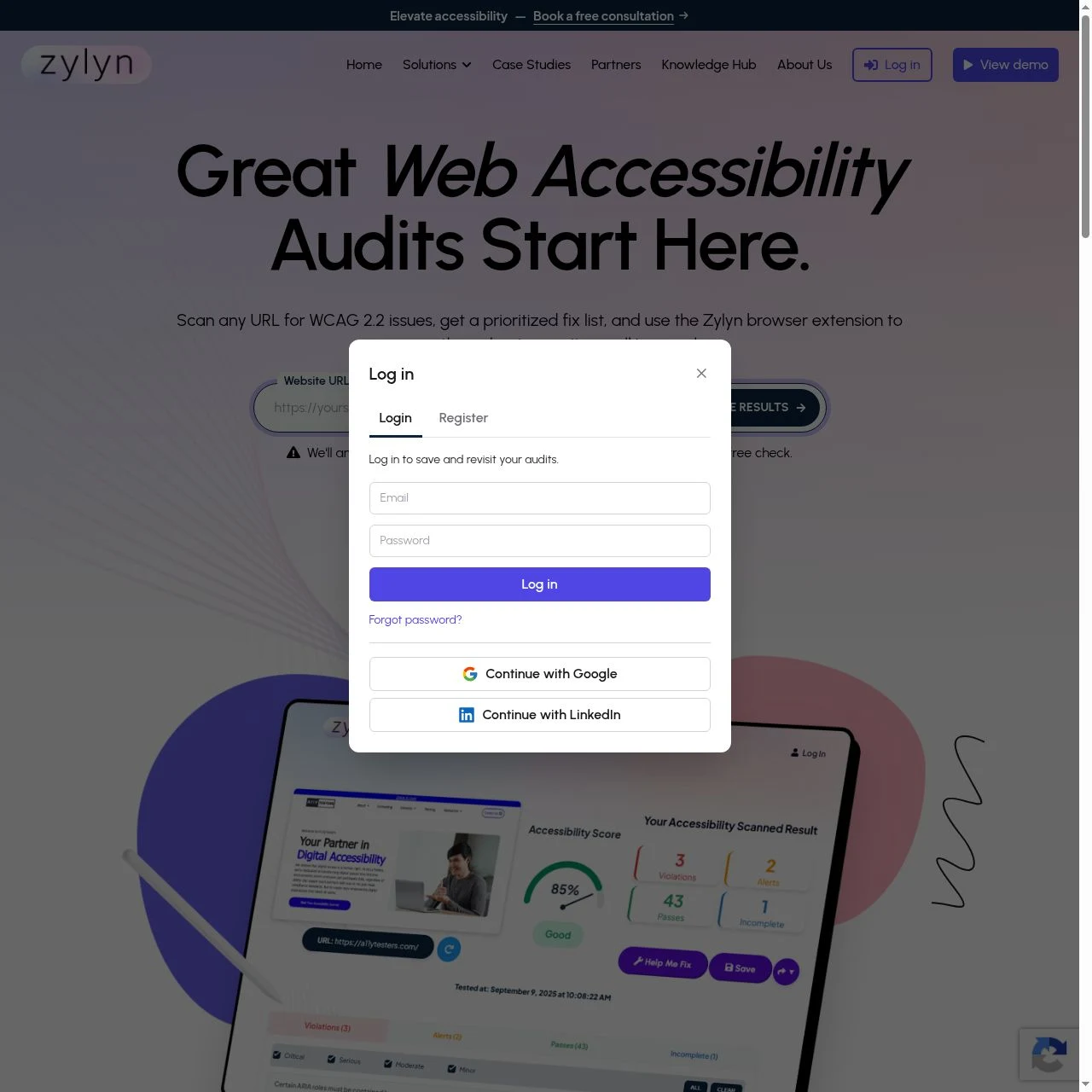
You need three things: full name, email, password. You can also use Continue with Google or Continue with LinkedIn instead.
There is no email confirmation step — you are signed in and taken straight to the portal.
Your new account starts with 100 free credits and room for one site.
2. Add your first site#
In the portal, click Add a site on the dashboard (or open the site selector in the top bar and choose Add site).
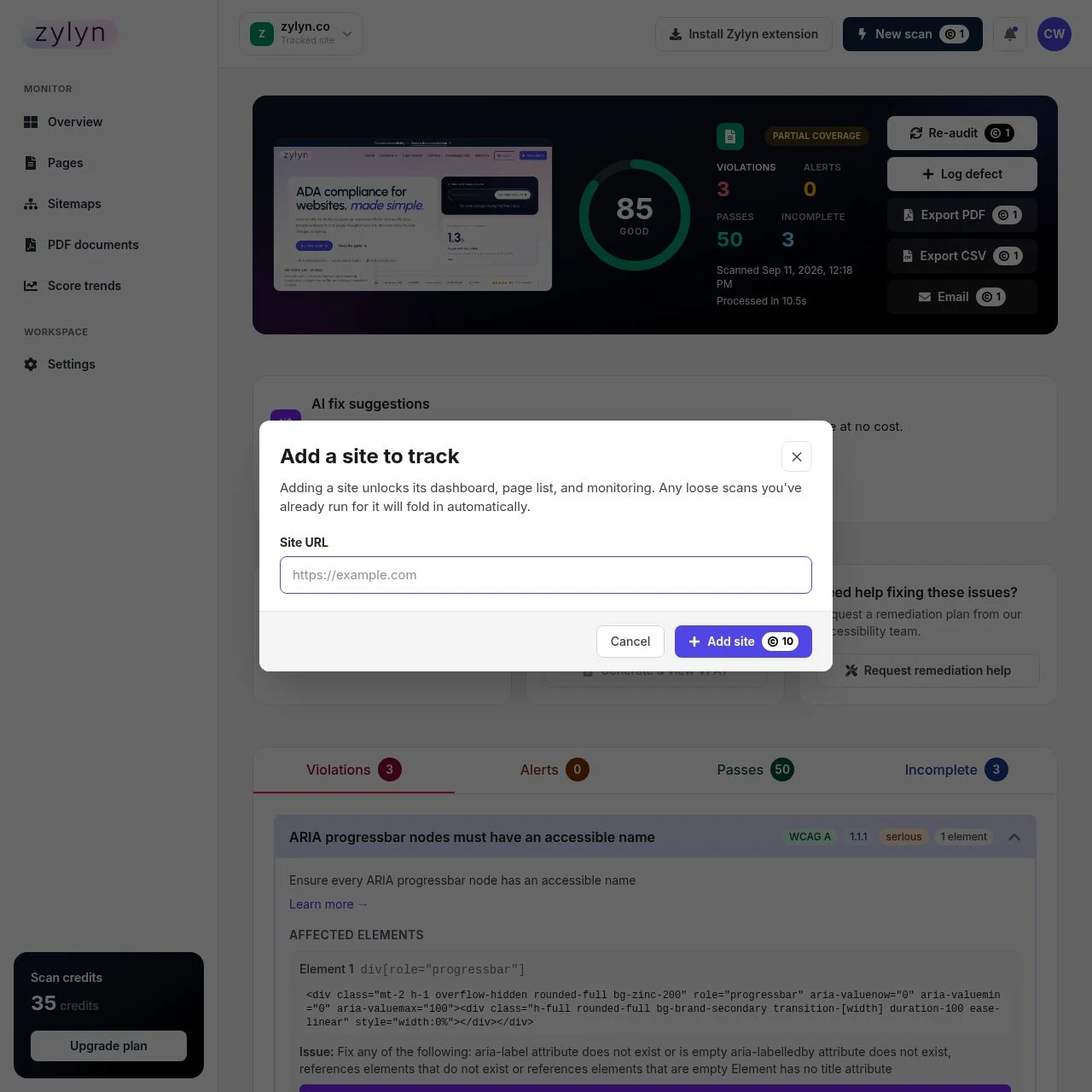
Enter the root URL, for example https://yoursite.com. You do not need to list individual pages.
Cost: 10 credits. This includes discovering your pages.
What happens next: Zylyn looks for your sitemap.xml and falls back to a shallow crawl if there isn't one, then builds a list of every page it found. You'll see the count immediately — a 51-page site takes a few seconds.
3. Run your first scan#
You have two sensible options.
Scan one page first (1 credit). Recommended. Open Pages, find your homepage, click Scan. You get a full report in about ten seconds and you've spent one credit finding out whether the output is useful to you.
Scan the whole site (1 credit per page). Open Pages and click Scan all pages. You'll get a confirmation showing exactly how many pages and credits are involved before anything is charged.
Scans run in the background. You can navigate away and come back.
4. Read the report#
Click any page in the Pages list to open its report. Start with reading your report — the short version is that Violations are real problems, Incomplete means "a human needs to check this", and the severity labels tell you what to fix first.
5. Decide what happens next#
- Fix things yourself? Use AI fix suggestions to get corrected markup per finding, then hand it to whoever maintains your site.
- Send it to a developer? Export to PDF or CSV.
- Keep it from regressing? Turn on scheduled scanning.
- Want expert help? Every report has a Request remediation help button.
Common first-run questions#
Does scanning change my website? No. Zylyn only reads your pages.
Do I need to install anything? Not for public pages. Only for pages behind a login.
Why is my score not 100? Almost no site scores 100 on a first scan. Zylyn's own site scores 92. See what a good score looks like.