
Overview
As the website serves as the primary destination for course information, licensing guidance, enrollment, and customer inquiries, delivering an inclusive digital experience became a strategic priority.
- Industry
- Education & Construction Compliance
- Timeline
- 4 Weeks
- Services
- Audit · Remediation guidance · Validation
- Standard
- WCAG 2.2 AA
Scope
The review covered the home page, course catalog, licensing information pages, registration and inquiry forms, downloadable learning resources, contact page, navigation menus, and interactive website components.
The challenge
10 accessibility barriers that needed addressing.
Find your way
4 barriers
- Keyboard navigation across menus and interactive components
- Visible keyboard focus indicators
- Descriptive links and button labels
- Consistent navigation throughout the website
Read and understand
5 barriers
- Alternative text for instructional images and graphics
- Heading hierarchy and semantic page structure
- Color contrast for text, buttons, and navigation elements
- Screen reader compatibility
- Accessible downloadable PDFs and learning resources
Take action
1 barrier
- Course registration forms and validation messages
Our approach
Structured engineering, not a one-time scan.
- Google Lighthouse
- WAVE
- axe-core
01Comprehensive Accessibility Assessment
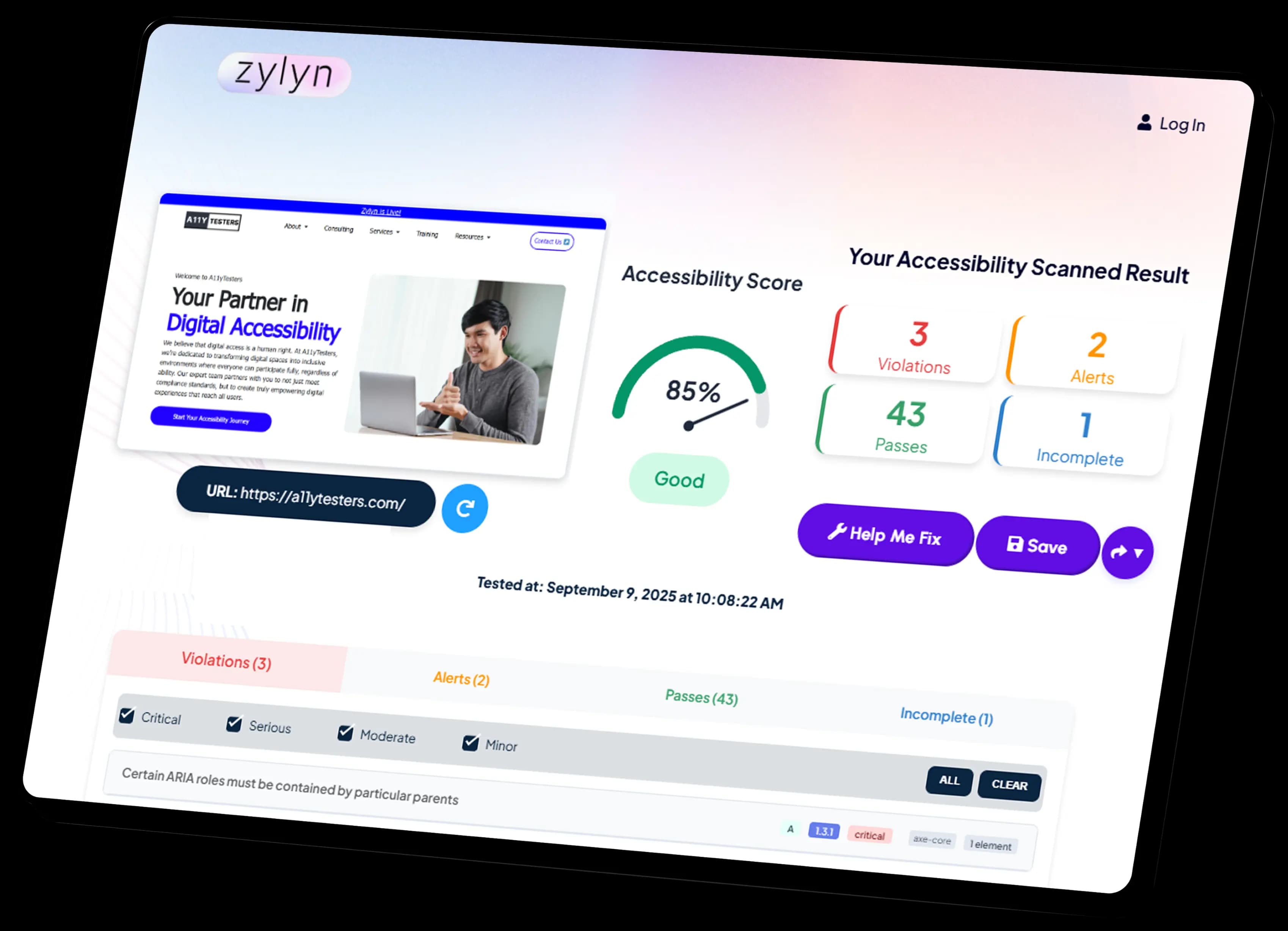
Zylyn conducted a comprehensive accessibility assessment using automated scanning combined with expert manual testing in accordance with WCAG 2.2 guidelines. The review covered the home page, course catalog, licensing information pages, registration and inquiry forms, downloadable learning resources, contact page, navigation menus, and interactive website components.
02Prioritized Remediation Guidance
Each accessibility finding included a WCAG Success Criterion reference, severity classification, user and business impact, recommended remediation, and developer-ready implementation guidance — enabling prioritization while minimizing disruption to ongoing website updates.
03Accessibility Validation
Following remediation, Zylyn performed validation testing to confirm that accessibility issues had been successfully resolved and that no new barriers were introduced during implementation.
Before and after: examples of the fixes
Illustrative recreations of three barrier types found in this audit — not client screenshots.
The results
The numbers tell the story.
WCAG compliance score
Increased from 78% to 98%
- Critical accessibility issues resolved96%
- Keyboard navigation issuesReduced by 94%
- Course registration form accessibilityImproved by 97%
- Color contrast issues resolved100%
- Screen reader compatibility improvements93%
Business Impact
Key Outcomes
- Significant reduction in accessibility barriers
- Improved accessibility of course registration and inquiry forms
- Enhanced usability for keyboard and screen reader users
- Stronger alignment with WCAG 2.2 accessibility guidelines
- Faster identification and remediation of accessibility issues
- More inclusive access to licensing and professional education resources